Image to Video Consistency: How Models Keep a Face Steady
Image to video consistency explained: why faces drift in AI clips, what conditioning does, and how Seedance 2.5 and Kling 3.0 keep a face steady.
Updated Oct 3, 2026 7 min read
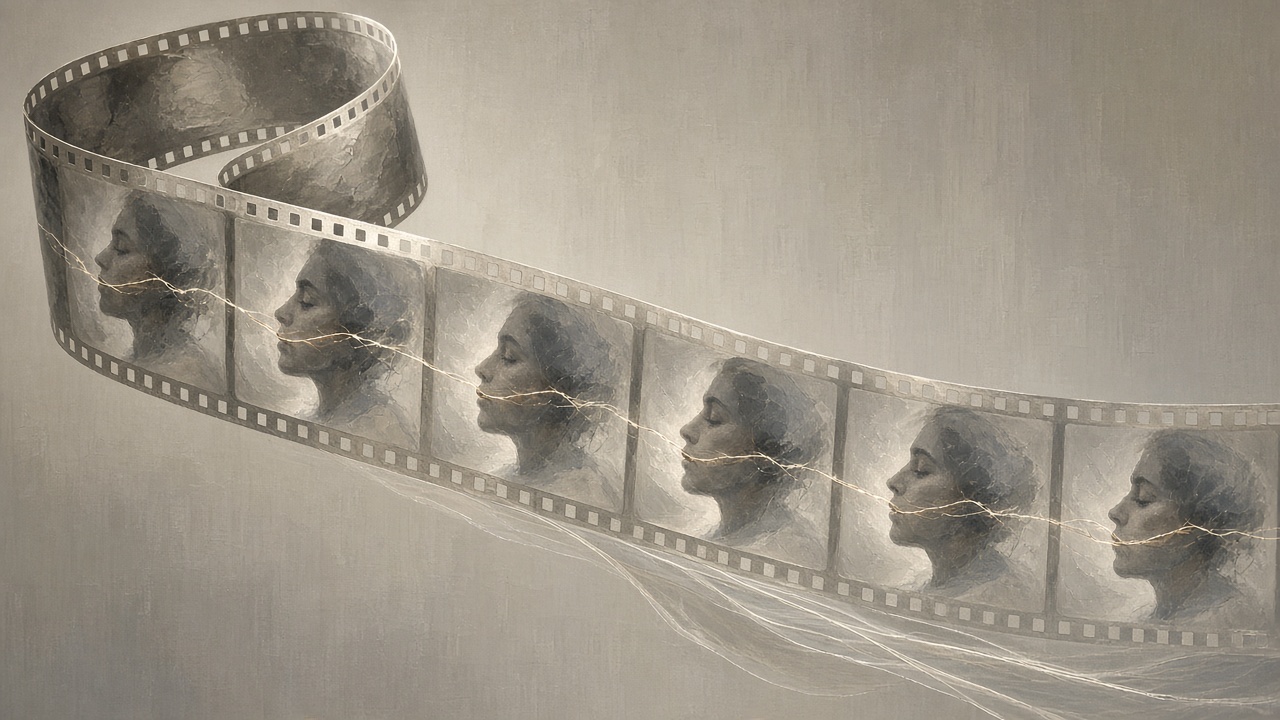
When you turn a photo into a video, the model is not "continuing" the picture the way a flipbook does — it is predicting dozens of new frames from scratch, using your photo as a starting condition. Consistency is how well those new frames keep agreeing with the face, outfit, and setting in frame one. Some models hold a face rock-steady for fifteen seconds; others let it drift the moment the head turns. The difference comes down to what the model conditions on and how it's trained to weight that information against the motion it's inventing.
This guide explains the mechanism in plain terms, then compares how Seedance 2.5 and Kling 3.0 handle it, and what that means for how you should shoot and prompt in Plurel.
What "consistency" actually means here
A video model doesn't store your photo as a fixed layer that everything else moves around. It encodes the image into a compressed representation, then denoises a sequence of frames guided by that representation plus your text prompt. Every frame is a new guess. If the guess strays from the original face shape, skin tone, or clothing pattern, you get drift — a nose that subtly reshapes, a shirt that changes color, a second character whose face slides toward someone else's.
The model isn't editing your photo frame by frame; it's generating a new image many times a second and trying to make each one agree with the last.
Why identity drifts in the first place
Drift isn't a bug unique to one app — it shows up across the field. Research describing the dominant approach to turning a reference image into video points to the image-to-motion binding process overlooking spatiotemporal misalignments common in real-world applications, which leads to failures such as identity drift and visual artifacts. In other words, matching motion to the photo and keeping the photo's identity intact pull against each other, and small mismatches compound frame after frame.
A few conditions make it worse:
- Large camera or head motion. The model has to invent views of the face it never saw in the source photo, so it's extrapolating instead of copying.
- A small face in the frame. When the subject occupies only a fraction of the image, the model has less detail to anchor to, which is a specific weak point flagged in academic work on identity-preserving video generation.
- Long clips. Every additional second is another chance for small errors to accumulate, since each frame is partly conditioned on the frame before it, not only on the original photo.
- Occlusion. A hand passing in front of a face, or the subject turning away and back, forces the model to re-imagine the face rather than track it.
This is why research teams are still publishing dedicated fixes rather than treating it as solved: one recent framework is built as an image-to-video paradigm that is the first to ensure first-frame preservation through a whole clip, which tells you the industry still treats this as an open problem.
First-frame conditioning vs. reference conditioning
There are two broad strategies in current models:
Single first-frame conditioning feeds the model one photo as the anchor for the whole clip. It's simple and it's what most "image to video" tools default to. It works well for short clips with modest motion, and weakens as motion, length, or occlusion increase.
Multi-reference conditioning feeds the model several inputs — multiple photos of the same face, a product shot, a background plate, even a short reference clip or a voice sample — and asks it to hold all of them consistent at once. This gives the model more to anchor to, at the cost of a more complex prompt.
Seedance 2.5 is built around the second approach. Its reference-to-video mode is designed so you can combine images, video clips, and audio files so several sources guide one coherent result, and you supply references for subject appearance, motion style, composition, and rhythm, then describe the rest in the prompt. ByteDance's own materials describe the model drawing on up to 50 simultaneous multimodal references across images, video, audio and style inputs — far beyond a single anchor photo. It can also edit or extend an existing clip in place instead of regenerating it, which matters for consistency because it keeps the frames that already worked.
Seedance 2.5 vs. Kling 3.0: two different fixes
Kling 3.0 takes a more targeted approach to the same problem: instead of multiple references, it locks specific elements of a single composition. Kling's documentation calls this element binding, describing a system that lets you lock specific elements of the frame so the main character remains consistent, even through camera movements like zooming, panning or tilting, without the subject shifting or disappearing. Kling's feature guide frames this as built for image-to-video specifically, with the model designed to lock in core elements so the traits of characters and items remain stable throughout the video, regardless of camera movement or scene development.
Kling 3.0 also offers start-and-end frame control, where giving the model a reference image for where the video should begin, and optionally where it should end, gives precise control over composition. That's a different lever: instead of holding one face steady through unpredictable motion, you tell the model exactly where the shot has to land, and it fills in the middle.
| Seedance 2.5 | Kling 3.0 | |
|---|---|---|
| Consistency approach | Multi-reference (faces, products, style, audio together) | Element binding + optional start/end frame |
| Best for | Holding a face, product and style together across one clip | Keeping one subject stable through camera moves |
| Clip length | Up to 30 seconds | 3–15 seconds |
| Plurel link | Seedance 2.5 — 30 credits from | Kling 3.0 — 55 credits from |
Neither approach is strictly better: a multi-reference model rewards you for having several good photos of the same face or product, while a start/end-frame model rewards you for a short, precisely framed shot where the arc matters more than a long walk-and-talk.
Do it in Plurel
- Open the row under the composer and pick Video, or go straight to a model with a link: Seedance 2.5 or Kling 3.0.
- Upload your source photo, and for Seedance 2.5, add any extra reference photos of the same face or product you want it to hold onto.
- For Kling 3.0, add an end-frame image too, if you want the clip to land on a specific pose or composition.
- Write a prompt that describes the motion, not the face — the references already carry the identity, so spend your words on what moves, how the camera behaves, and what happens in the scene.
- Review the credit cost shown before you generate. Seedance 2.5 starts at 30 credits, Kling 3.0 at 55 credits, both scaling with length and resolution.
- If the result is close but not quite right, use the Extend tool (video price credits) to continue the clip instead of regenerating the whole thing, so you keep the frames that already worked.
- If a face still drifts, go back to Edit first: crop or clean up the source photo so the face occupies more of the frame, then re-animate.
If you'd rather have a model plan the shot, Claude Opus 5.5, Claude Sonnet 5.5, and GPT-6 Astra can draft the prompt and reference list for you and show the credit cost before anything generates.
Troubleshooting drift
- Face changes mid-turn: the head rotated past what the source photo showed. Add a reference photo from a different angle, or keep the camera move smaller.
- Outfit or product changes color: add that item as its own reference image rather than describing it only in text.
- Long clip loses the face by the end: generate a shorter clip and use Extend to continue it, rather than asking for the full length in one pass.
- Small face in a wide shot drifts fastest: crop in, or run Upscale on the source photo first so there's more detail for the model to anchor to.
Related reading
- Kling 3.0 vs Seedance 2.5: Which Makes the Better Clip?
- Seedance 2.5 Prompts: How to Animate a Photo That Works
- Consistent Character Prompt: Keep One Face Across Images
- How to Turn a Photo Into a Video With AI
Consistency is a property of what you feed the model, not a toggle you switch on — give it more to anchor to, and it drifts less.
Questions people ask
- Why does a face change partway through an AI video?
- The model regenerates every frame from scratch, guided by your photo rather than copying it directly, so small errors in matching motion to the source image build up over the clip. This is called identity drift, and it gets worse with bigger camera moves, longer clips, and faces that take up only a small part of the frame.
- What is conditioning in an image-to-video model?
- Conditioning is the information the model is given to guide what it generates: a source photo, extra reference images, or a text prompt. The more detailed and consistent that conditioning is, the less the output drifts from the identity you started with.
- What's the difference between Seedance 2.5 and Kling 3.0 for keeping a face consistent?
- Seedance 2.5 uses multiple reference images, clips and audio at once to lock a face, product or style across a clip of up to 30 seconds. Kling 3.0 uses element binding and an optional start/end frame to hold one subject steady through camera moves on shorter, 3-15 second clips.
- Does adding more reference photos actually help?
- Yes. Models built for multi-reference input, like Seedance 2.5, are designed to hold a character, set and palette consistent by drawing on several reference images rather than one, which gives the model more detail to anchor to as the scene moves.
- How do I fix a face that drifts in Plurel?
- Add a second reference photo from a different angle, keep clips shorter and use Extend to continue them, or crop and upscale the source photo so the face takes up more of the frame before you animate it.
Sources
- Seedance 2.5 Reference to Video — RunComfy
- Seedance 2.5 Reference to Video (Image to Video) API — fal.ai
- Seedance 2.5: 30-Second Video, 4K Output, and 50 Multimodal References Explained — MindStudio
- Seedance 2.5: edit, extend, and native video — Morphic
- Kling Video 3.0 Features & Director Mode Guide — Kling AI
- Kling VIDEO 3.0 Model Guide — Kling AI
- Kling 3.0 Start & End Frame Tutorial — TonaAI
- SteadyDancer: Harmonized and Coherent Human Image Animation with First-Frame Preservation — arXiv
Keep going

AI Product Video: Amazon and Shopify, Start to Finish
Make an AI product video for Amazon or Shopify from one listing photo: the exact model to pick, what it costs, and the specs each platform needs.
Updated Oct 3, 2026
What a Credit Costs and Why: AI Video Pricing Explained
AI video pricing explained: why resolution, length and audio change the cost, and how Plurel's credit math works before you click generate.
Updated Oct 7, 2026
Why AI Video Looks Wrong: Hands, Text, Physics Explained
Why AI video looks wrong: how hands, text, collisions and gravity break, what Sora 2, Kling 3.0 and Veo 3.1 fixed, and how to prompt around it.
Updated Oct 5, 2026

How to Extend a Video Clip With AI
Learn how AI video extension works and how to continue a clip past its end with Plurel's Extend tool, keeping motion and audio consistent.
Updated Oct 11, 2026