Why AI Video Looks Wrong: Hands, Text, Physics Explained
Why AI video looks wrong: how hands, text, collisions and gravity break, what Sora 2, Kling 3.0 and Veo 3.1 fixed, and how to prompt around it.
Updated Oct 5, 2026 8 min read
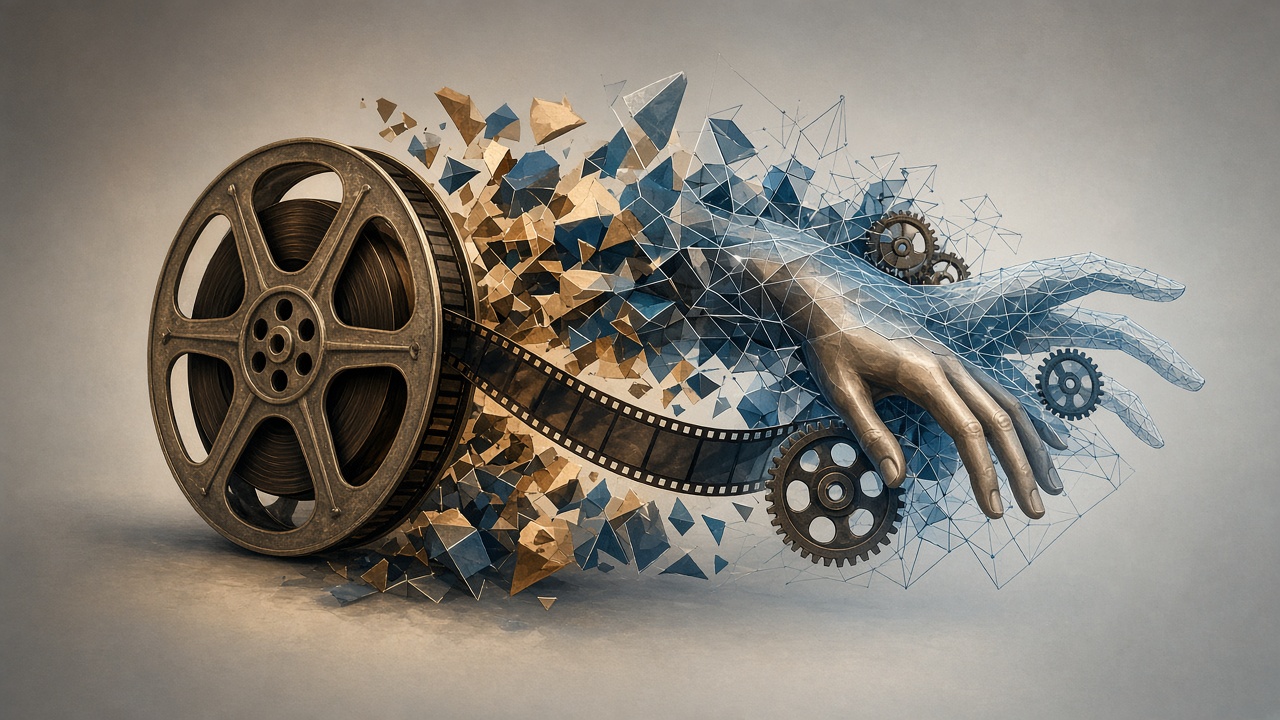
AI video looks wrong because the model isn't simulating the world, it's predicting the next plausible frame from patterns it has seen before. That guessing shows up most in hands, on-screen text, anything that collides, and anything with weight — water, cloth, hair, a dropped object. The good news is that the last year of models closed a lot of that gap, and knowing exactly where the weak spots are left tells you how to prompt around them.
What's actually happening when a model generates a frame
A video model doesn't know what a hand is, what gravity is, or that a glass breaks when it hits tile. Current AI video generation systems face several critical limitations because they're built on diffusion architectures that learn statistical correlations from training footage rather than physical rules. Large video generation models are emerging as a promising basis for simulators because they can generate diverse and realistic visual futures, but that's different from understanding cause and effect — the model has seen millions of clips of things falling, bouncing and spilling, and it reproduces the visual pattern of those events without tracking mass, friction or momentum underneath.
That's also why longer clips get worse. A model with no explicit memory of its own previous frame has to re-infer the whole scene every time it renders one, and small errors compound. For video specifically, maintaining coherence gets harder the longer the clip runs, because the system has to keep characters, objects and lighting consistent across hundreds of frames it's generating in sequence rather than all at once.
The four places video breaks
Hands and fingers
This is the most reliable tell. Hands are the historic failure mode of generative video, and the reason comes down to density and data. Hands pack an enormous amount of detail into a small area — joints bend in specific directions, fingers overlap and curl in ways that are structurally complex even for a human artist to draw, and training data has real gaps around hands specifically, since hands appear gripping, pointing, resting and gesturing, often partially occluded, so the model has seen fewer clean examples of a given hand position than it has of a face looking at the camera.
It gets worse across time, not just within one frame. A hand that looks acceptable in frame 20 may cross the face in frame 24, change finger spacing in frame 26 and merge with hair in frame 28, forcing the model to repair several uncertain regions at once.
Text and signage
Letters aren't treated as language by most video models — they're treated as a visual shape to copy. That's why a sign in the background of an AI clip often has the right "texture" of text (serifs, spacing, a plausible word length) but the actual letters drift or swap mid-shot, especially if the camera moves or the text is small in frame. The fix vendors have found is giving the model structured layout control rather than hoping it infers legible type from a vague prompt — which is why newer image and video models increasingly ship dedicated typography handling rather than leaving it to chance.
Collisions and contact
Two objects touching is a harder problem than either object alone. When people interact with objects or each other, results appear stilted or illogical — hands gripping items unrealistically, or interactions lacking believable micro-movements — because of the absence of physics-aware reasoning in the generation process. You'll see it as a hand that doesn't quite close around a cup, a foot that lands slightly through the floor, or a ball that behaves correctly for two bounces and then clips through the pavement. Objects passing through each other, hands that don't quite make contact with surfaces they're touching, or items that appear to "stick" to hands without proper grip mechanics are the standard giveaways reviewers check for when they're trying to tell real footage from generated footage.
Gravity, weight and material
Water, hair, fabric and smoke are where models most visibly reveal they're copying appearance, not simulating matter. Hair floats upward, cloth ignores wind, and water moves like gel, because generative models learn visual patterns, not physical laws. Overloading a single shot makes this worse: loading subject action, object interaction, environment motion and camera movement into one pass means each demand consumes part of a limited motion budget, and something usually collapses.
What's actually improved: Sora 2 → Kling 3.0 → Veo 3.1
The headline change across the last generation of models is that failure now looks like failure instead of magic. OpenAI's Sora 2, released September 30, 2025, was built to follow real-world physics better than earlier tools and show realistic failures instead of forcing success — the often-cited test is a missed basketball shot: where previous models had the ball teleport into the hoop, Sora 2 has it correctly rebound off the backboard and follow a realistic trajectory.
Kling 3.0 pushed hardest on material physics. It features a physics simulation that understands how gravity, inertia and environmental factors influence objects and characters, so a dress billows naturally in wind or a motorcycle kicks up dust realistically. It also specifically targeted the hand problem that dogged earlier Kling versions: Kling 3.0 handles pointing, holding, gesturing and product reveal motions with realistic anatomy and motion blur, without the manual motion-brush masking earlier versions required.
Veo 3.1 leaned into lighting and audiovisual cohesion rather than raw physics scores alone. Google's own materials describe exceptional results in text-to-video, image-to-video and text-to-audio+video generation, with participants in testing preferring Veo 3.1's outputs for visually realistic physics on the physics subset of MovieGenBench prompts. Independent reviewers still rank it slightly behind on pure physics: Sora 2 leads on cinematic quality, complex prompt adherence, and physics realism in head-to-head human evaluation, while Veo 3.1's strengths show up more in lighting, camera control and lip-sync.
| Model | Where it's strongest | Where it still slips |
|---|---|---|
| Sora 2 | Collision and momentum (bounces, falls) | Long clips, complex multi-object scenes |
| Kling 3.0 | Fabric, water, hair, hand gestures | Very fast or chaotic multi-body action |
| Veo 3.1 | Lighting, audio sync, camera moves | Repeated bounces drift from real physics |
No model has solved this outright. For water, smoke and cloth simulation, Kling models currently offer the most realistic physics, while for complex multi-body collisions and sports scenarios, Sora 2 is the stronger choice — pick the tool for the kind of motion in your shot, not just by name recognition.
How to prompt around the weak spots
You can't fix the underlying mechanism, but you can stop asking the model to do its worst trick in your most important shot.
- Keep hands out of the hero frame when you can. Wide or three-quarter shots where a hand is small in frame fail less than close-ups on a gripping hand.
- Shorten the shot. Physics violations get worse the longer the clip runs, so generating in 3-5 second segments and stitching the best ones together reduces compounding error.
- Give one action per clip. If the shot needs more than one primary action plus one light camera move, split it into separate clips — establish, action, reaction, insert — letting each generation own one beat.
- Name the material and the physics explicitly. "Heavy wool coat, falls straight with its own weight" reads differently to the model than "coat."
- Avoid putting small legible text in a moving shot. If you need a sign or label to be readable, generate it as a static element or add it in editing rather than asking the video model to render it mid-motion.
- Use a reference image for a specific hand pose or object interaction rather than describing it in words alone — it closes the data gap the model is otherwise guessing across.
Do it in Plurel
You don't need to chase one "best" model — pick by what's breaking in your shot, then fix it without restarting the whole clip.
- Start the clip. From the chat, tap Video in the row under the composer, or open a model directly. For the strongest physics on falls, bounces and contact, use Kling 3.0 (55 credits from). For fabric, water, hair and hand gestures, Kling 3.0 is also the pick, or step down to Kling 3.0 Turbo (20 credits from) for faster, cheaper iterations while you test a prompt. For lighting, camera moves and native audio, use Veo 3.1 (85 credits from) or the faster Veo 3.1 Fast (20 credits from).
- If a hand or object looks wrong in a still you're about to animate, fix it first with Paint — mask the bad region and regenerate just that part before you spend video credits animating it.
- If the finished clip has one bad beat, don't regenerate the whole thing. Open Video edit and describe only the fix — "straighten the hand gripping the cup" — at the clip's normal video price.
- If the shot needs to run longer than the model's base length, generate a clean 3-5 second segment first, then use Extend to continue it rather than asking for one long, physics-heavy take.
- For product shots with on-screen text or a label, generate the text element as a static image first with Qwen Image 3 Pro (2.5 credits), which is built for dense layouts and small legible text, then animate around it with Animate.
- To compare physics before committing credits, ask a tool-enabled chat model like Claude Opus 5.5 or GPT-6 Astra to plan the shot; the app shows you the credit cost before you approve generation.
Troubleshooting
If every take of a hand shot keeps failing, change the shot, not just the prompt — pull the camera back, hide the hand partially behind an object, or switch to a reference image of the exact grip you want. If physics look fine for the first half of a clip and break near the end, your scene is probably too complex for one generation; split it. If text keeps garbling, stop asking the video model to render it live and composite it in afterward.
None of this means wait for a future model — it means matching today's tool to today's shot, and editing the one part that breaks instead of regenerating the whole clip.
Questions people ask
- Why do AI videos always mess up hands?
- Hands pack joints, overlapping fingers and self-occlusion into a tiny part of the frame, and training data has fewer clean examples of hand positions than of faces. The model has to guess finger count and angle fresh in every frame, with no memory of what it drew a moment earlier.
- Why does text look garbled in AI-generated video?
- Text is treated as a visual pattern, not as letters, so the model reproduces the rough shape of words without reliably getting every character right, and that error compounds as the camera or text moves across frames.
- Which AI video model has the most realistic physics right now?
- Independent tests and vendor benchmarks put Sora 2 and Kling 3.0 at the top for physics accuracy, with Veo 3.1 close behind and strongest on lighting and audio-visual cohesion; all three still miss on complex multi-object collisions.
- How do I stop AI video physics from breaking?
- Keep clips short (3-5 seconds), limit each generation to one primary action, describe weight and contact explicitly in the prompt, and stitch multiple short clips together rather than asking for one long complex shot.
- Can AI video ever get hands and physics perfectly right?
- Not yet reliably. Newer models like Kling 3.0 and Veo 3.1 have cut the failure rate noticeably, but current video generators still predict pixels from patterns rather than running a true physics simulation, so some guessing error remains even in the best clips.
Sources
- Why AI Video Still Gets Hands and Faces Wrong (And How to Fix It)
- Artifacts (Visual): visual errors in AI-generated media
- Veo 3.1 — Google DeepMind
- Kling VIDEO 3.0: Narrative & Duration Guide
- How to Spot AI-Generated Videos: Physics Errors, Anatomy Distortions, and Awkward Pauses
- Sora (text-to-video model) — Wikipedia
- Why AI Video Motion Looks Unnatural and How to Fix It
Keep going
What a Credit Costs and Why: AI Video Pricing Explained
AI video pricing explained: why resolution, length and audio change the cost, and how Plurel's credit math works before you click generate.
Updated Oct 7, 2026
How Much Does AI Video Cost? Credits Explained
See the real AI video cost: per-clip prices in credits across 15 models, what 60 credits buys, and packs vs plans.
Updated Oct 4, 2026
Best AI Video Generator in 2026: Compared by Cost
The best AI video generator depends on length, sound and budget. Compare Veo 3.1, Kling 3.0, Seedance 2.5, Wan, MiniMax and Grok Imagine by cost per clip.
Updated Sep 22, 2026
Best Sora 2 Alternatives in 2026, Compared by Price
Sora 2 is shut down. These are the best Sora 2 alternatives in 2026: Kling 4.0, Kling O3, Seedance 2.5, Veo 3.1 and MiniMax H3, compared with prices.
Updated Nov 9, 2026